vscodeCusotmTheme: A Fresh, Rounded Feel for Visual Studio Code
Transform your Visual Studio Code with a fresh, rounded UI using vscodeCusotmTheme by mahmoud-asdf. A simple yet effective customization package that makes coding feel modern and clean.
If you’ve been feeling like your Visual Studio Code looks a little... stale, then vscodeCusotmTheme by mahmoud-asdf is exactly what you need.
This repo isn’t just another random theme , it’s a full customization package using custom CSS and JavaScript.
When I tried it, it honestly made VS Code feel fresh and modern, especially with the rounded UI touches that make everything look smoother and more polished , like using a brand-new editor.
✨ Highlights
- Rounded UI Design: Buttons, inputs, and other elements now have that soft, rounded look, giving a much cleaner and friendlier interface.
- Deep Customization: Tweak tiny details of the UI with the included
css.cssandjs.js. - Instant Setup: Just copy the provided
settings.json, install a custom CSS loader extension, and enjoy. - Super Lightweight: No bloat. Only pure UI improvements.
🛠 Quick Start
- Install a custom CSS/JS extension for VS Code, such as:
- Custom UI Style
- Custom CSS Hot Reload
- Custom CSS and JS Loader
- Copy the repo’s
settings.jsoninto your settings. - Update paths to match your local files if needed.
- Enable the extension , and boom, your editor feels brand new.
📸 Previews
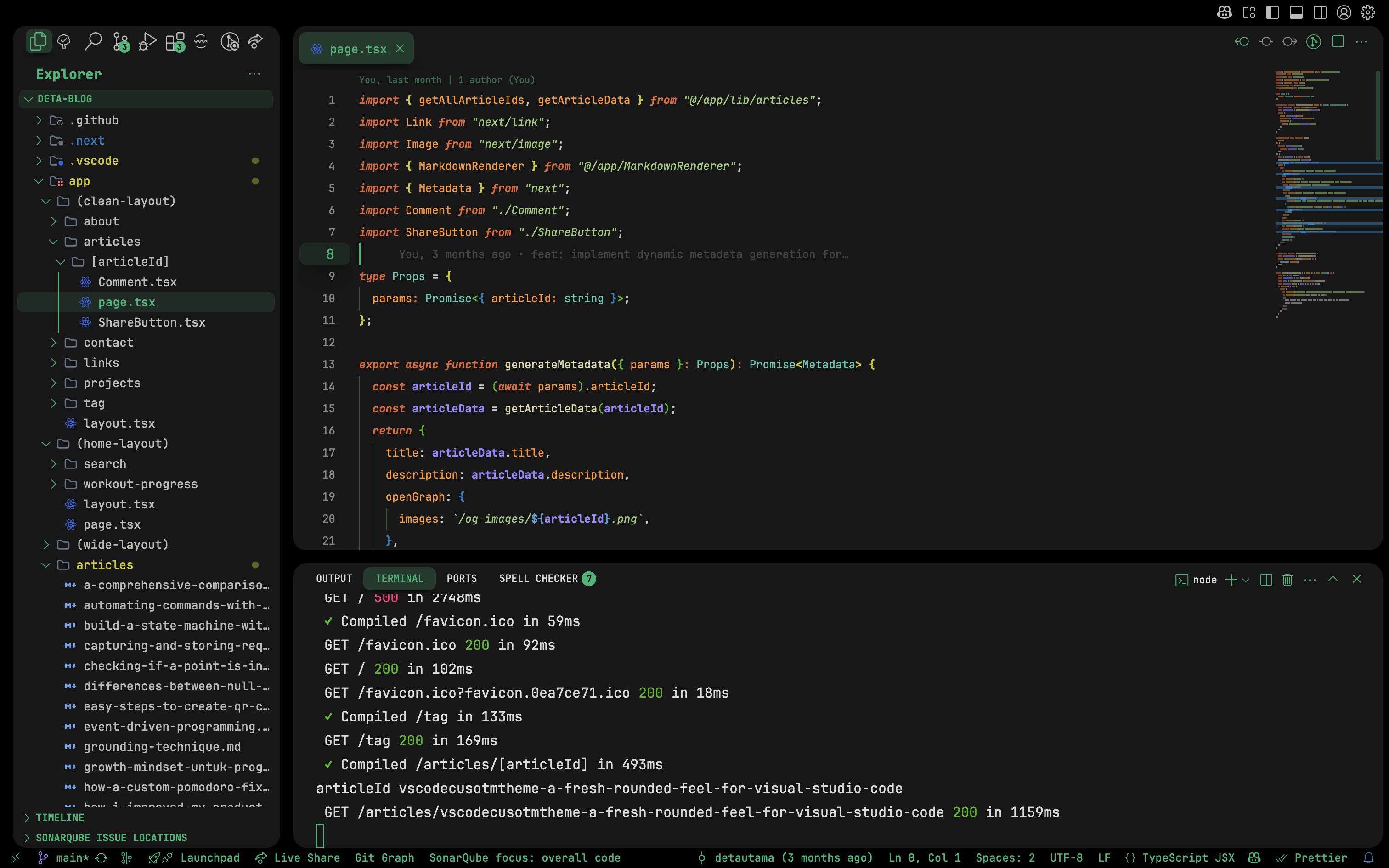
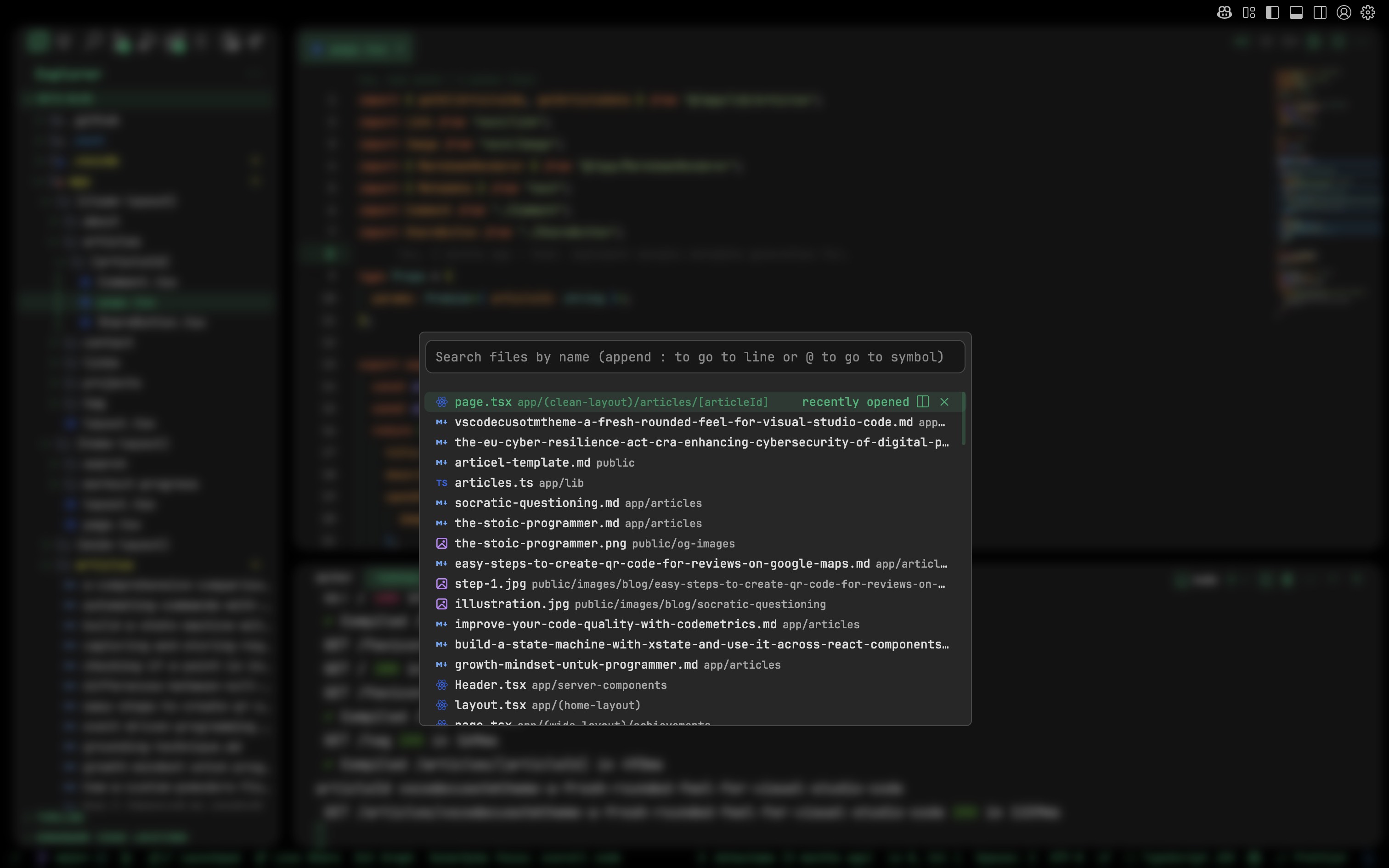
🎯 Why I Recommend It
Because after using this, VS Code didn't just look different , it felt revitalized and modern.
It's a simple, beautiful way to breathe life back into your coding experience, with that soft, rounded UI vibe that's just satisfying to look at every day.